
Declarative Webhooks Integration Library
Starting with version 9.17, Declarative Webhooks introduces the Integration Library: a collection of prebuilt, commonly used integrations that help you get started faster.
How to access it
Open the “Declarative Webhooks Library” tab in Salesforce.
Before using the library, you may need to self-authorize your user. This step is required so the library can create the necessary components in your org, including:
- Callout Templates
- Inbound Call Templates
- Related metadata

Installing an integration
Once authorized, you’ll see a list of available external systems you can integrate with.
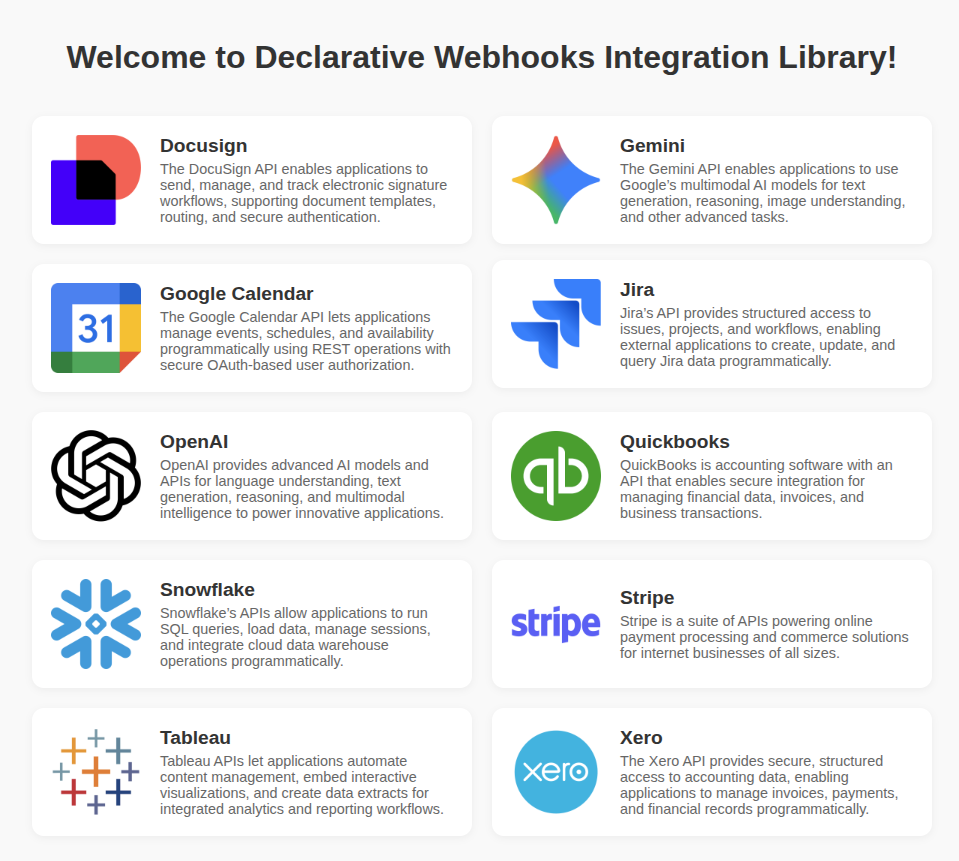
Select the system you want to use and review the integration details and the available components. Components are grouped by object or use case to make selection easier.
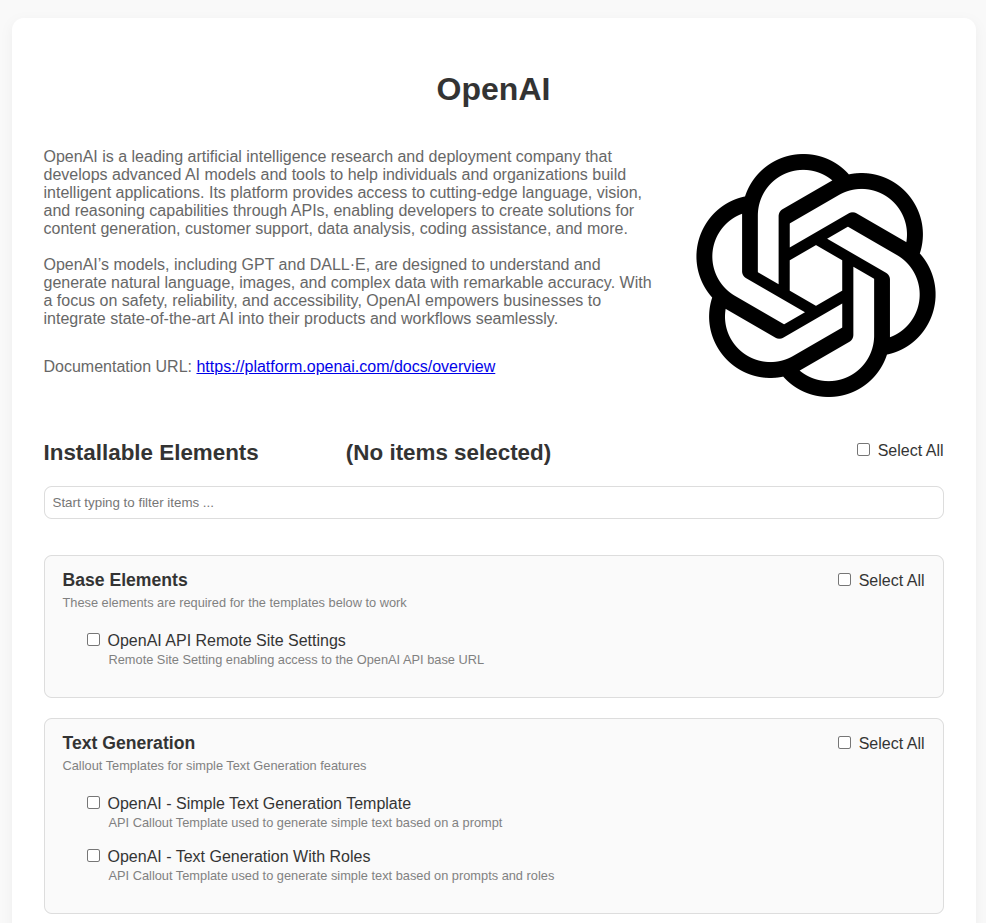
Choose the templates or metadata you want to install and click “Install selected elements”
The library will install the selected items into your org one by one. For each element, you’ll see:
- Installation status
- A direct link to the created Salesforce component
- Suggested next steps for configuration or usage
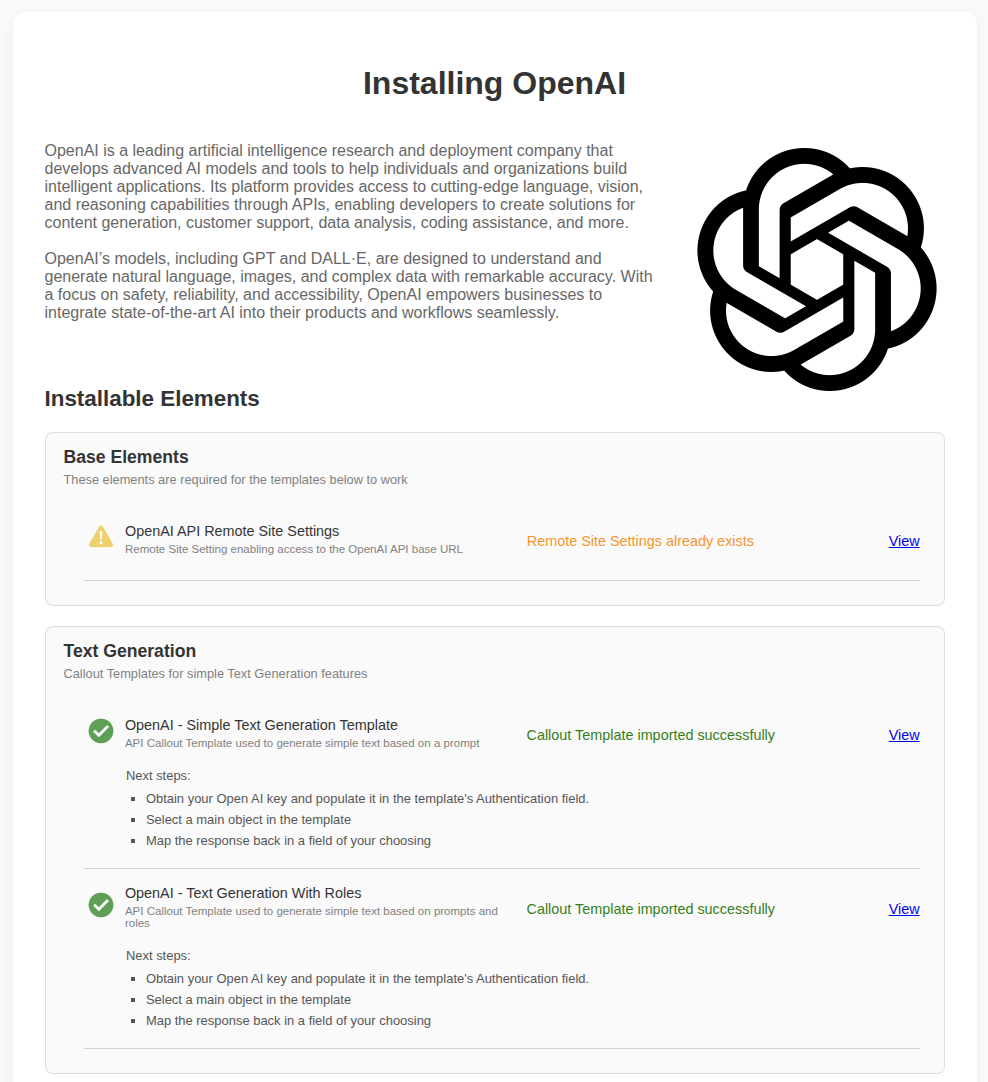
After installation
Once the process is complete, the selected integration templates are ready to use in your org. You can immediately start building your workflows using the imported components.
